Instrukcja obsługi Amazfit GTR 4
Amazfit SmartWatch GTR 4
Przeczytaj poniżej 📖 instrukcję obsługi w języku polskim dla Amazfit GTR 4 (28 stron) w kategorii SmartWatch. Ta instrukcja była pomocna dla 21 osób i została oceniona przez 9 użytkowników na średnio 4.6 gwiazdek
Strona 1/28
1/ 28
Amazfit GTR 4 User Manual
(English Edition)
Connection and Pairing
Use your phone to scan the following QR code, and download and install the Zepp app. For a
better user experience, update the app to the latest version as prompted.
Note: Your mobile phone must run on Android 7.0 or iOS 12.0 or higher.
Initial pairing:
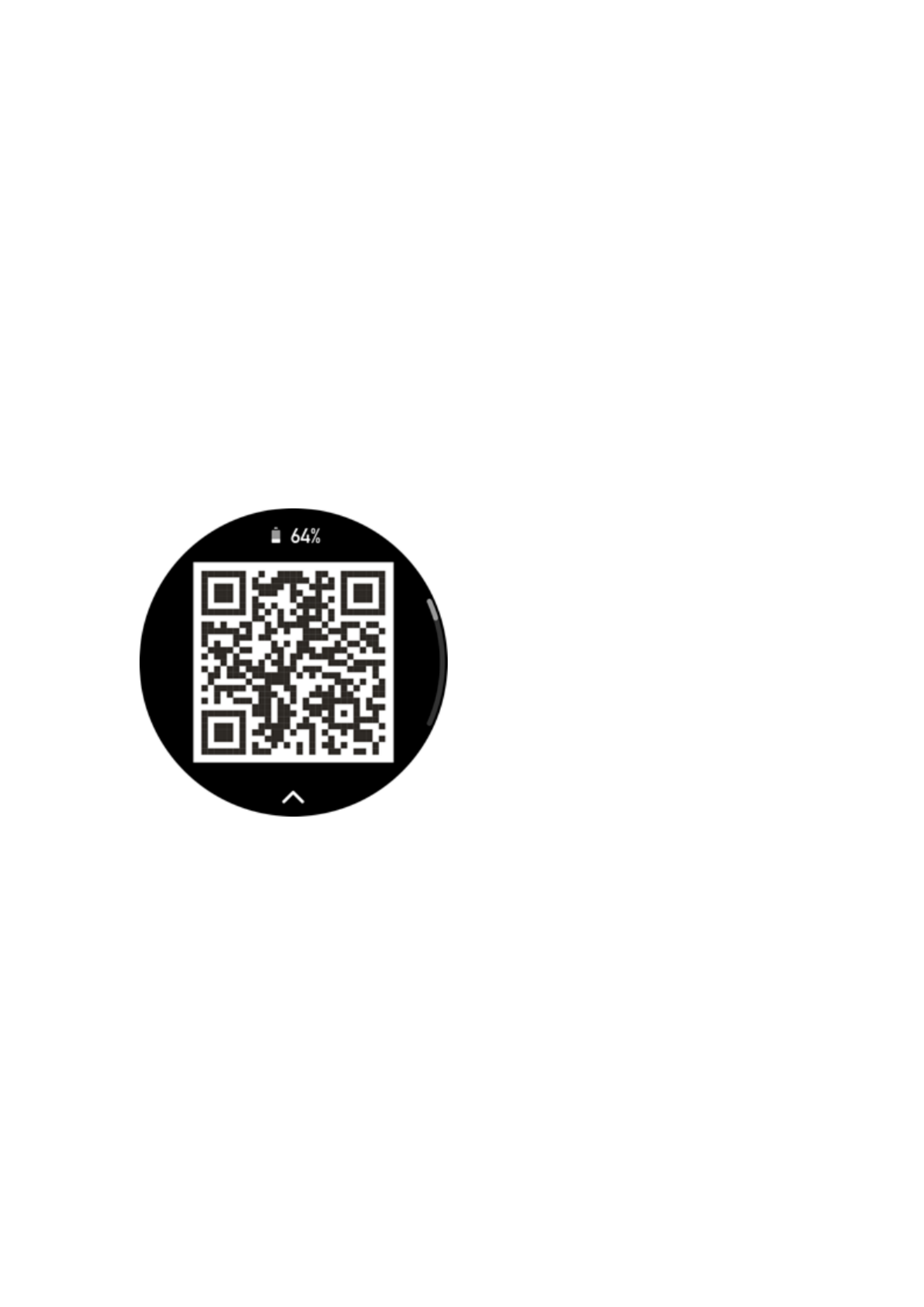
When the watch is started for the first time, the QR code used for pairing displays on the
screen.
Open the Zepp app on your phone, log in to the app, and scan the QR code on the watch to
pair your phone with the watch.
Pairing with a new phone:
1. Open the Zepp app on your old phone and synchronize data with the watch.
2. On the old mobile phone, go to Profile > Amazfit GTR 4 page and tap the Unpair button
at the bottom to unpair. If it is an iPhone, after unbinding in the Zepp app, you need to unpair
the phone and watch. Go to Settings > Bluetooth, find the Bluetooth name corresponding to
the watch, and tap the button on the far right of the Bluetooth name. After entering the page,
tap Ignore This Device.
3. Restore the factory settings of the watch, and then pair the watch with your new phone
as described in the initial pairing procedure.
Updating Watch System
Keep the watch connected to your phone, open the Zepp app, and go to Profile > My
devices > Amazfit GTR 4 > System Update to view or update the system of your watch.
We recommend that you tap Update Immediately when your watch receives a system update
Specyfikacje produktu
| Marka: | Amazfit |
| Kategoria: | SmartWatch |
| Model: | GTR 4 |
Potrzebujesz pomocy?
Jeśli potrzebujesz pomocy z Amazfit GTR 4, zadaj pytanie poniżej, a inni użytkownicy Ci odpowiedzą
Instrukcje SmartWatch Amazfit

1 Października 2024
22 Września 2024
19 Września 2024
16 Września 2024
14 Września 2024
4 Września 2024
1 Września 2024
29 Sierpnia 2024
28 Sierpnia 2024
28 Sierpnia 2024
Instrukcje SmartWatch
Najnowsze instrukcje dla SmartWatch
2 Kwietnia 2025
2 Kwietnia 2025
28 Marca 2025
4 Marca 2025
3 Marca 2025
27 Lutego 2025
27 Lutego 2025
27 Lutego 2025
27 Lutego 2025
21 Lutego 2025