Instrukcja obsługi Smart-AVI KLX-TX500
Smart-AVI przełącznik KLX-TX500
Przeczytaj poniżej 📖 instrukcję obsługi w języku polskim dla Smart-AVI KLX-TX500 (2 stron) w kategorii przełącznik. Ta instrukcja była pomocna dla 29 osób i została oceniona przez 9 użytkowników na średnio 4.9 gwiazdek
Strona 1/2
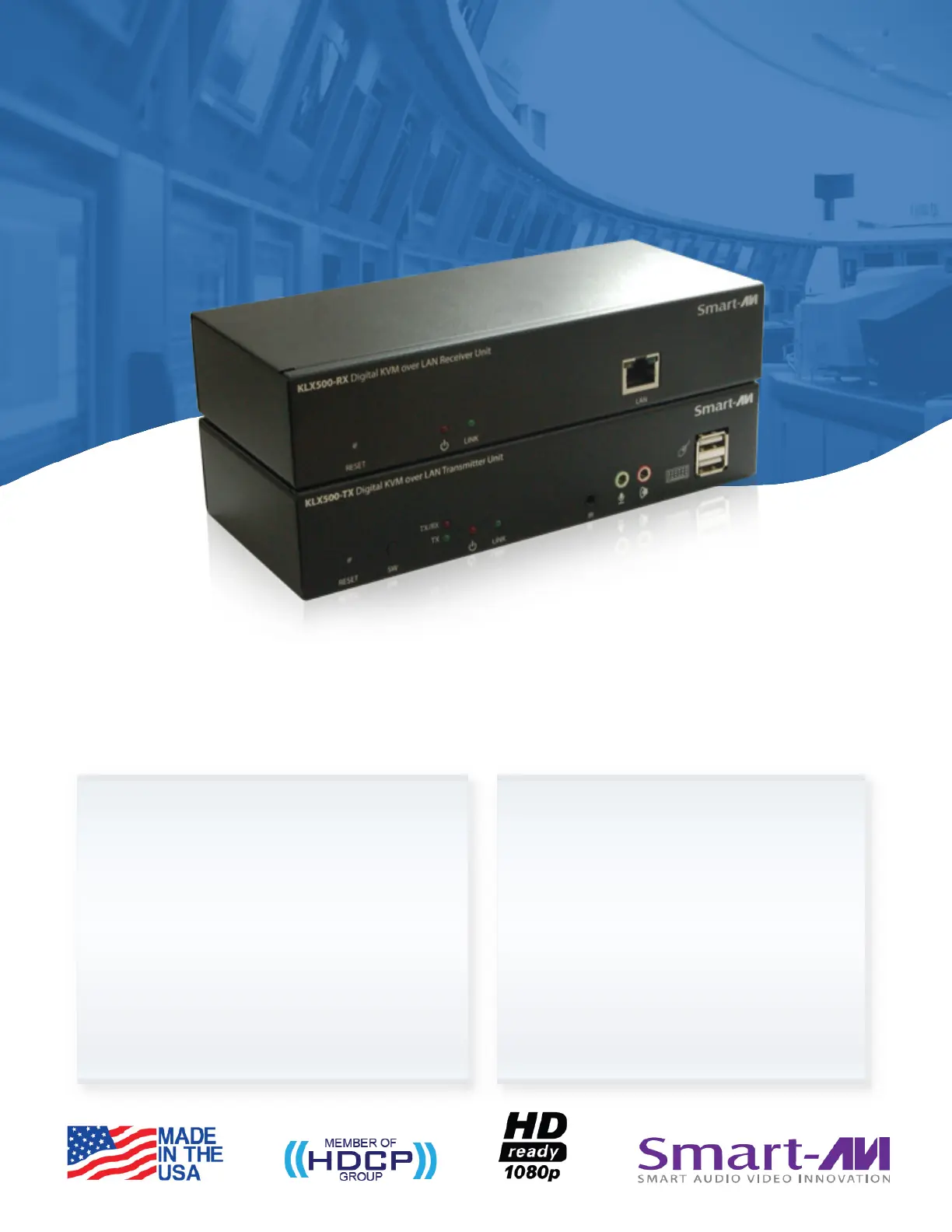
Break distance barriers to extend DVI/VGA and KVM signals
over IP using Cat5e/6 cables
FEATURES
•ExtendsKVMoperationby500feetviaLAN
(Cat5e/6cables)
•Chainableforthousandsoffeetofextension
•SupportsDVIandVGAinput
•SupportsfullUSBemulationforkeyboard-video-
mouseoperation
•Audioinputandoutput
•Dualcontroloperation,forlocalandremoteuseof
KVM
•Supports1080pupto1920x1080resolutionat60Hz
•Plug-and-Playready
•Nosoftwareordriverrequired
•DigitalSignage
•PublicPresentations
•SecurityandSurveillance
•PCNetworking
•HealthcareSupervision
•EducationalSpaces
•HotelDisplays
•ConventionCenters
•PointofSaleandRetail
•MilitaryandGovernmentSystems
•Isolated,RemoteWorkOutposts
•VideoConferencing
•ControlRoomSystems
•Recording/ProductionStudios
APPLICATIONS
4 Port full HD multiviewer real-time USB/KVM switch
Chainable DVI/VGA KVM Extender via LAN
KLX-500
Specyfikacje produktu
| Marka: | Smart-AVI |
| Kategoria: | przełącznik |
| Model: | KLX-TX500 |
Potrzebujesz pomocy?
Jeśli potrzebujesz pomocy z Smart-AVI KLX-TX500, zadaj pytanie poniżej, a inni użytkownicy Ci odpowiedzą
Instrukcje przełącznik Smart-AVI

7 Stycznia 2025
7 Stycznia 2025
28 Grudnia 2024
28 Grudnia 2024
28 Grudnia 2024
28 Grudnia 2024
28 Grudnia 2024
28 Grudnia 2024
25 Grudnia 2024
25 Grudnia 2024
Instrukcje przełącznik
Najnowsze instrukcje dla przełącznik
9 Kwietnia 2025
9 Kwietnia 2025
7 Kwietnia 2025
5 Kwietnia 2025
4 Kwietnia 2025
4 Kwietnia 2025
4 Kwietnia 2025
3 Kwietnia 2025
3 Kwietnia 2025
2 Kwietnia 2025