Instrukcja obsługi StarTech.com VS221DP
StarTech.com Konwerter audio/wideo VS221DP
Przeczytaj poniżej 📖 instrukcję obsługi w języku polskim dla StarTech.com VS221DP (2 stron) w kategorii Konwerter audio/wideo. Ta instrukcja była pomocna dla 53 osób i została oceniona przez 6 użytkowników na średnio 4.2 gwiazdek
Strona 1/2
Instruction Manual
DE: Bedienungsanleitung - de.startech.com
FR: Guide de l'utilisateur - fr.startech.com
ES: Guía del usuario - es.startech.com
IT: Guida per l'uso - it.startech.com
NL: Gebruiksaanwijzing - nl.startech.com
PT: Guia do usuário - pt.startech.com
Manual Revision: 02/10/2012
For the most up-to-date information, please visit: www.startech.com
Packaging Contents
• 1 x DisplayPort video switch
• 1 x IR Remote Control
• 1 x Power Adapter
• 1 x Installation Guide
System Requirements
• DisplayPort enabled display device (i.e. monitor, projector, etc)
• DisplayPort enabled audio/video source (i.e. computer)
• Available AC electrical outlet
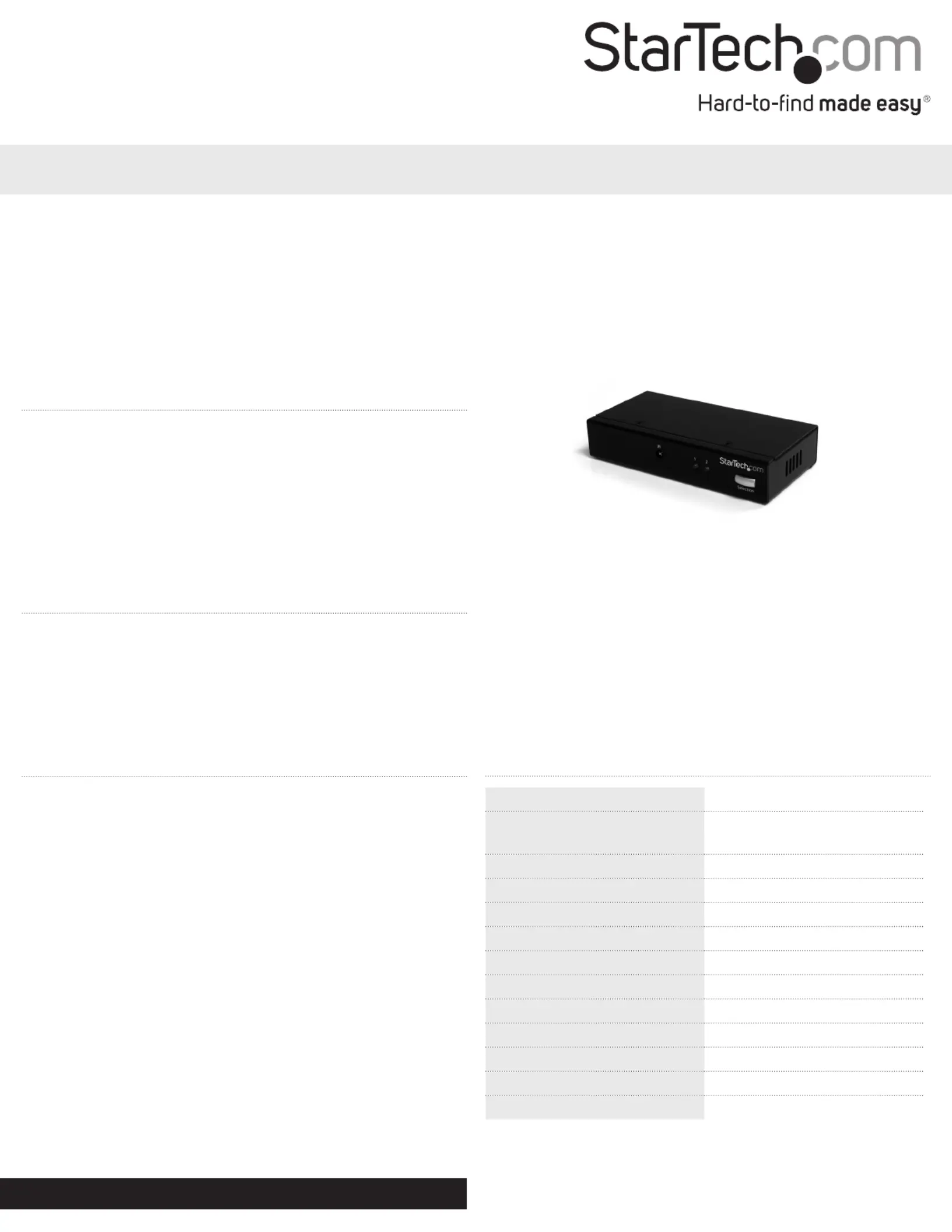
VS221DP
2 Port DisplayPort Video Switch w/ Audio & IR Remote Control
*actual product may vary from photos
Installation
1. Connect a standard male/male DisplayPort cable from the display
device to the “Out” connector on the video switch.
2. Connect a standard male/male DisplayPort cable from the video
sources to the numbered input connectors on the video switch.
3. Power on the display device.
4. Connect the included power adapter to the video switch. The LED
for the currently selected port on the switch should light up solid.
5. Turn on the video source on the currently selected port.
6. When proper video output to the display device is conrmed,
switch to the next port on the video switch and turn on that video
source.
7. Once video output has been conrmed from both video sources,
the video switch can be used to freely switch between them using
the front panel button or the included remote control.
Specications
Video SignalDisplayPort
Connectors
3 x DisplayPort female
1 x DC Power
LEDs2 x Port Selection Indicator
Maximum Video Resolution2560x1600
Maximum Cable Length10 m / 33 ft.
Switching MethodsPush Button, Remote Control
Audio SupportYes
Power Adapter5VDC, 2000mA, type M plug
Operating Temperature0°C ~ 40°C (32°F ~ 104°F)
Storage Temperature-20°C ~ 60°C (-4°F ~ 140°F)
Humidity0% ~ 80% RH
Dimensions131.0mm x 65.0mm x 26.0mm
Weight500 g
Specyfikacje produktu
| Marka: | StarTech.com |
| Kategoria: | Konwerter audio/wideo |
| Model: | VS221DP |
Potrzebujesz pomocy?
Jeśli potrzebujesz pomocy z StarTech.com VS221DP, zadaj pytanie poniżej, a inni użytkownicy Ci odpowiedzą
Instrukcje Konwerter audio/wideo StarTech.com

10 Stycznia 2025
9 Października 2024
9 Października 2024
9 Października 2024
9 Października 2024
9 Października 2024
9 Października 2024
9 Października 2024
9 Października 2024
9 Października 2024
Instrukcje Konwerter audio/wideo
Najnowsze instrukcje dla Konwerter audio/wideo
7 Kwietnia 2025
3 Kwietnia 2025
2 Kwietnia 2025
2 Kwietnia 2025
1 Kwietnia 2025
1 Kwietnia 2025
1 Kwietnia 2025
29 Marca 2025
28 Marca 2025
26 Marca 2025