Instrukcja obsługi D-Link R03
Przeczytaj poniżej 📖 instrukcję obsługi w języku polskim dla D-Link R03 (2 stron) w kategorii router. Ta instrukcja była pomocna dla 33 osób i została oceniona przez 3 użytkowników na średnio 4.4 gwiazdek
Strona 1/2
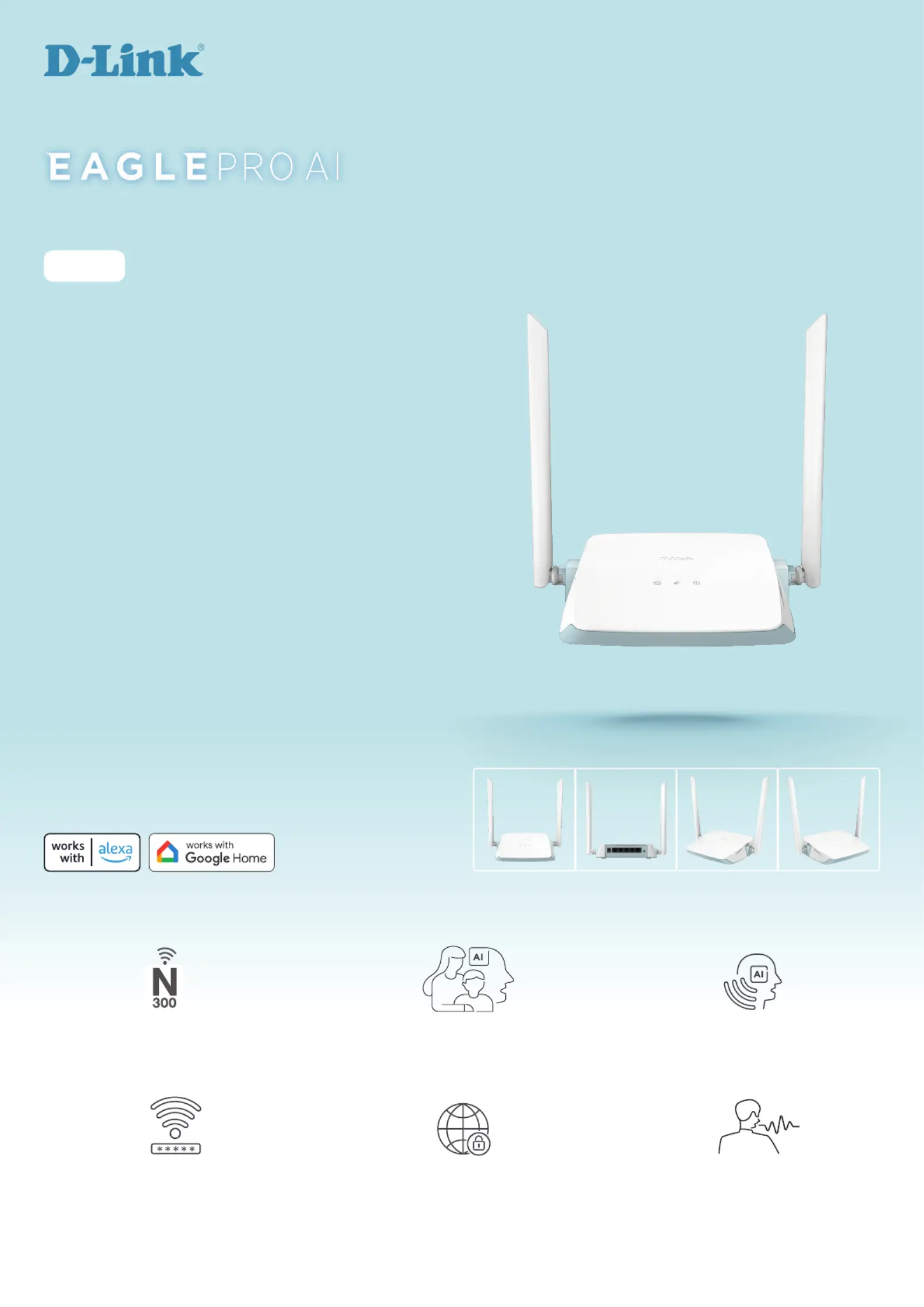
•WirelessNtechnologyprovidesbandwidthofupto300Mbps
1
•High-gainantennasensureoptimalcoverageandperformance
•Flexibleconnectivitywith4xFastEthernetLANportsand1xFast
EthernetWANport
•AIWi-FiOptimisercontinuouslyconnectsyoutothebestWi-Fichannel
•Enhancedparentalcontrolallowsyoutocreateprofiles,setschedules,
establishbedtime,blockspecificwebdomains,andpausetheinternet
•AIAssistanttakescareofyournetworkandsendsyou
recommendationsandreportsviathefreeEAGLEPROAIApp
•Hands-freevoicecontrolthroughAmazonAlexaorGoogleAssistant
2
Wi-Fithat’ssmarter,safer,andmoreaffordable
thanever.
R03
N300 SMART ROUTER
2.4 GHz 802.11nProfile-based Parental ControlAI Wi-Fi Optimiser
Supports 802.11 b, g, and n wireless
devices for easy and efficient
connectivity and networking
Block websites and restrict Internet
access on devices based on set
schedules
Smart continuous channel
monitoring gets you connected on
the best channel available
WPA3 SecurityClean NetworkVoice Control with Google/Alexa
The latest in wireless encryption
to keep your network safe from
unauthorised access
Compliant with IEC 62443-4-1, BSIMM,
ISO 27001, and BS 10012 to ensure
your network and personal
information stay safe
Control your network and devices in
your home conveniently through a
voice assistant
Specyfikacje produktu
| Marka: | D-Link |
| Kategoria: | router |
| Model: | R03 |
Potrzebujesz pomocy?
Jeśli potrzebujesz pomocy z D-Link R03, zadaj pytanie poniżej, a inni użytkownicy Ci odpowiedzą
Instrukcje router D-Link

2 Kwietnia 2025
5 Stycznia 2025
5 Stycznia 2025
5 Stycznia 2025
2 Stycznia 2025
2 Stycznia 2025
29 Grudnia 2024
23 Grudnia 2024
13 Grudnia 2024
8 Grudnia 2024
Instrukcje router
Najnowsze instrukcje dla router
9 Kwietnia 2025
9 Kwietnia 2025
8 Kwietnia 2025
3 Kwietnia 2025
1 Kwietnia 2025
30 Marca 2025
30 Marca 2025
30 Marca 2025
30 Marca 2025
29 Marca 2025