Instrukcja obsługi Eufy HomeKit
Eufy kamera bezpieczeństwa HomeKit
Przeczytaj poniżej 📖 instrukcję obsługi w języku polskim dla Eufy HomeKit (3 stron) w kategorii kamera bezpieczeństwa. Ta instrukcja była pomocna dla 28 osób i została oceniona przez 6 użytkowników na średnio 4.7 gwiazdek
Strona 1/3
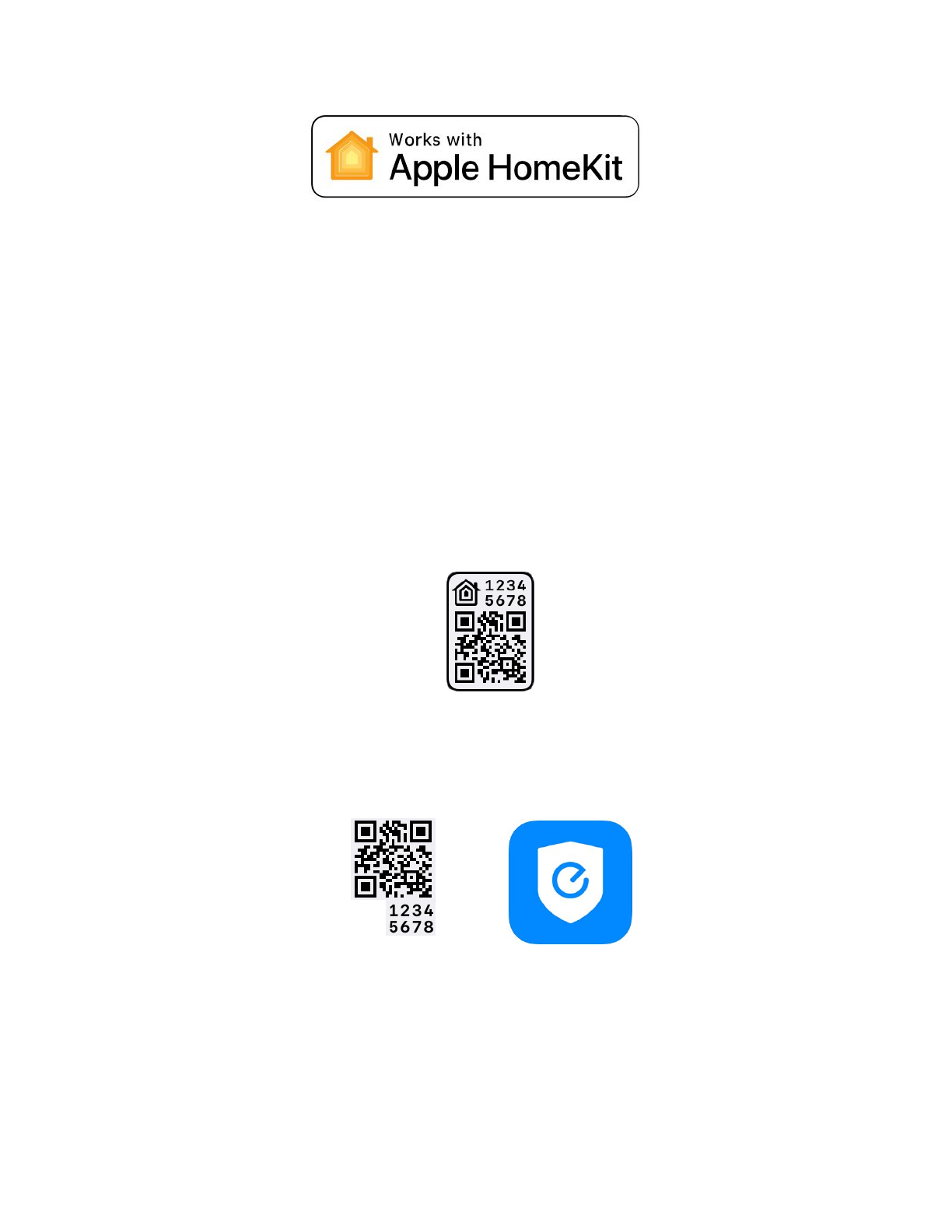
*HomeKit is only available on eufyCam 2 and 2C connected to eufy HomeBase 2.
The instruction will help you set up and control your eufy devices with HomeKit. If you have any
questions during setup and usage of HomeKit, please scroll down for HomeKit FAQs or contact
us at support@eufylife.com.
How to Setup HomeKit on eufyCam 2C/2
Step 1. Power on your eufy HomeBase 2 and connect to the internet.
Step 2. Enable HomeKit on HomeBase 2.
(1)Find the QR Code at the bottom of your HomeBase 2.
(2)For HomeBase Logo #1 (The QR code includes a house-like logo), open the iOS
Home app directly and add accessory by scanning the QR code under the HomeBase 2.
(3)For HomeBase Logo #2 (no house-like logo), open eufy Security app to add
HomeBase 2 and eufyCam 2C/2 first. Then follow the steps on HomeBase settings →
HomeKit setup to activate HomeKit. You are all set.
Step 3. Add eufyCam 2C/2 to HomeBase 2.
(1)Place eufyCam 2C/2 camera close to the HomeBase 2. Press the SYNC button on
eufyCam 2C/2for 2 seconds until you hear a beep sound. The eufyCam 2C/2 will be
waiting for a sound wave message sent by HomeBase 2.
Specyfikacje produktu
| Marka: | Eufy |
| Kategoria: | kamera bezpieczeństwa |
| Model: | HomeKit |
Potrzebujesz pomocy?
Jeśli potrzebujesz pomocy z Eufy HomeKit, zadaj pytanie poniżej, a inni użytkownicy Ci odpowiedzą
Instrukcje kamera bezpieczeństwa Eufy

24 Lutego 2025
12 Lutego 2025
14 Września 2024
10 Września 2024
4 Września 2024
31 Sierpnia 2024
Eufy S380 HomeBase Modell: T8030 Beveiligingscamera Instrukcja
26 Sierpnia 2024 Eufy S330 Cam 3 - Model: T8160 Beveiligingscamera Instrukcja
26 Sierpnia 2024 Eufy SpaceView S Baby Monitor - T8300 Beveiligingscamera Instrukcja
26 Sierpnia 2024Instrukcje kamera bezpieczeństwa
Najnowsze instrukcje dla kamera bezpieczeństwa
9 Kwietnia 2025
5 Kwietnia 2025
5 Kwietnia 2025
5 Kwietnia 2025
2 Kwietnia 2025
2 Kwietnia 2025
30 Marca 2025
30 Marca 2025
30 Marca 2025
30 Marca 2025