Instrukcja obsługi Micro Innovations Comfort
Micro Innovations
klawiatura
Comfort
Przeczytaj poniżej 📖 instrukcję obsługi w języku polskim dla Micro Innovations Comfort (4 stron) w kategorii klawiatura. Ta instrukcja była pomocna dla 28 osób i została oceniona przez 14.5 użytkowników na średnio 5.0 gwiazdek
Strona 1/4
Page 1
1
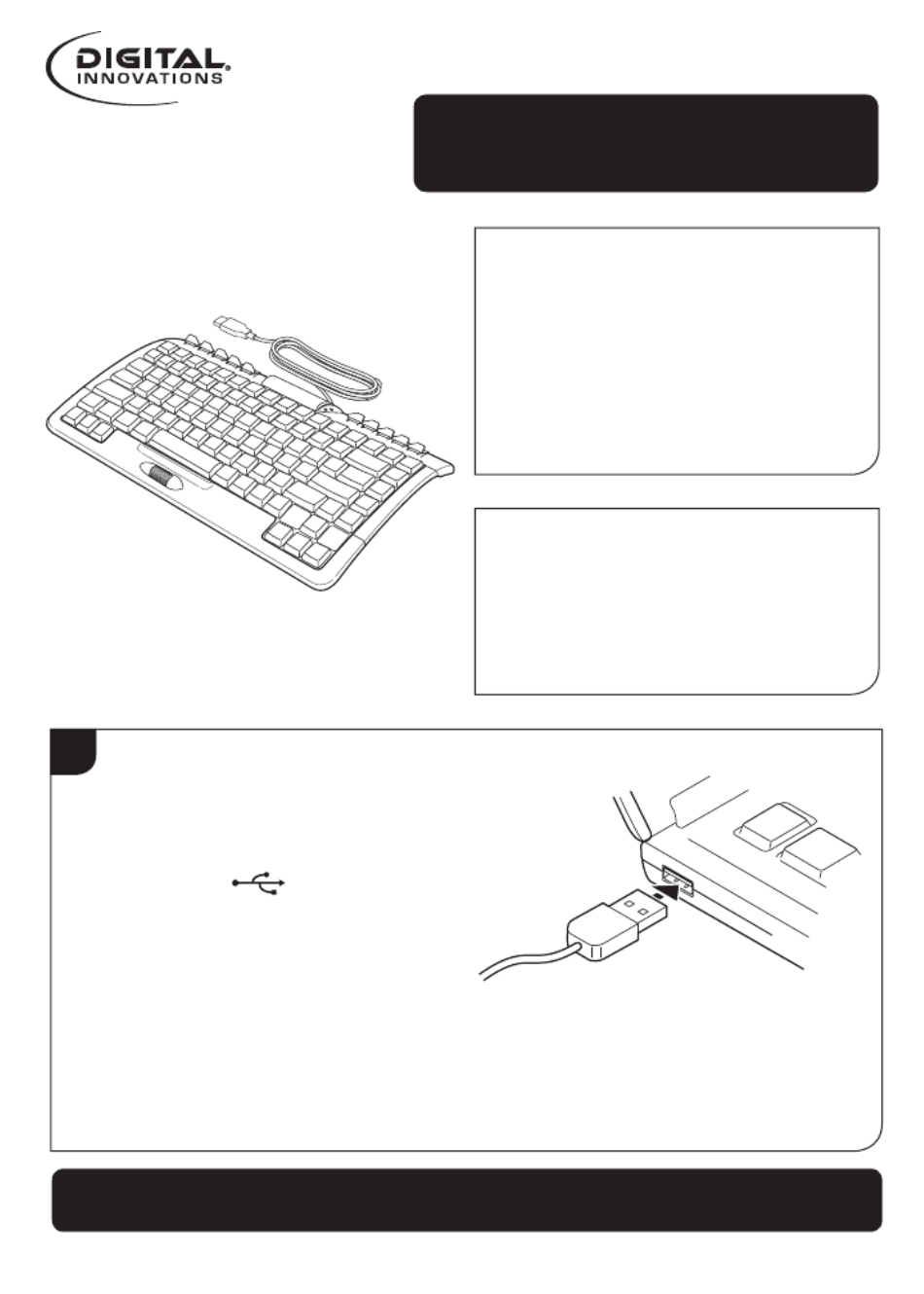
Plug the USB cord into an
available USB port on the
computer. USB ports are
identified as .
Quick Start Guide
Comfort Keyboard
Model 4250300
System Requirements:
• PC with Windows®
2000/XP/Vista/Win7
• Internet Explorer 5.0 or later
• Available USB port
Packaging Contents:
• Comfort keyboard
• Quick Start Guide
Comfort Keyboard | 4250300
To register this product visit www.digitalinnovations.com
and select Product Registration
Specyfikacje produktu
| Marka: | Micro Innovations |
| Kategoria: | klawiatura |
| Model: | Comfort |
Potrzebujesz pomocy?
Jeśli potrzebujesz pomocy z Micro Innovations Comfort, zadaj pytanie poniżej, a inni użytkownicy Ci odpowiedzą
Instrukcje klawiatura Micro Innovations

14 Września 2024
Instrukcje klawiatura
- Gamesir
- Msonic
- Savio
- Krom
- AOC
- Clas Ohlson
- Steelseries
- Krux
- Joy-It
- Sweex
- Brydge
- GETT
- The T.amp
- PreSonus
- Media-Tech
Najnowsze instrukcje dla klawiatura

5 Kwietnia 2025

5 Kwietnia 2025

5 Kwietnia 2025

4 Kwietnia 2025

4 Kwietnia 2025

4 Kwietnia 2025

30 Marca 2025

30 Marca 2025

30 Marca 2025

30 Marca 2025