Instrukcja obsługi Valcom V-400
Przeczytaj poniżej 📖 instrukcję obsługi w języku polskim dla Valcom V-400 (2 stron) w kategorii mikrofon. Ta instrukcja była pomocna dla 21 osób i została oceniona przez 4 użytkowników na średnio 4.0 gwiazdek
Strona 1/2
Issue 7
1947340
V-400
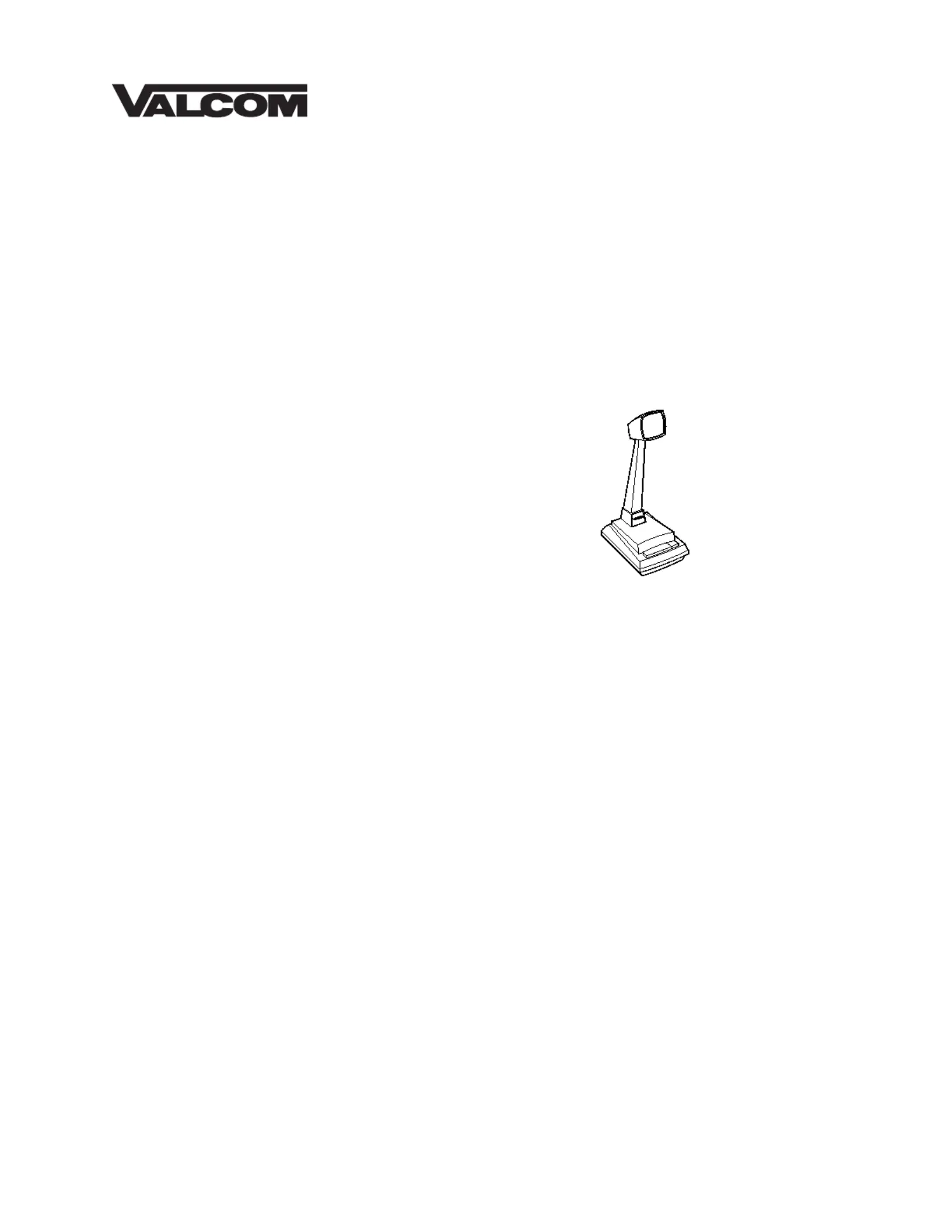
DYNAMIC DESK PAGING MICROPHONE
INTRODUCTION
These instructions contain the specifications and
information necessary to install, operate and
maintain the V-400 Dynamic Desk Paging
Microphone.
SPECIFICATIONS
Applications
•Valcom Paging Systems
Features
•Dynamic element
•Omnidirectional pickup pattern
•Cycolac housing with die cast base
•Push to Talk push bar with lock
•Heavy duty four conductor shielded cable
•Low impedance (balanced)
Dimensions/Weight
•9.4"H x 4.0"W x 6.0"D
(23.9cm H x 10.2cm W x 15.2cm D)
•1.4 lbs. (0.64 kg)
Specifications
•ElementDynamic
•PatternOmnidirectional
•Freq. Response50 to 12KHz
•Output ImpedanceLo Z, 400 Ohms
•Output LevelLo Z, -58dB
(0dB = 1 mw/10 microbars)
-152dB EIA
INSTALLATION
Figure 1 (on reverse) depicts the V-400
connected to the Valcom V-9939A microphone
adapter.
TECHNICAL ASSISTANCE
When trouble is reported, verify the unit is turned
on and there are no broken connections leading
to this unit. Assistance in troubleshooting is
available from the factory. When calling, have a
VOM and a test set available and call from the
job site. Call (540) 563-2000 and press 1 for
Technical Support or visit our website at
http://www.valcom.com.
Valcom equipment is not field repairable.
Valcom, Inc. maintains service facilities in
Roanoke, VA. Should repairs be necessary,
attach a tag to the unit clearly stating your
company name, address, phone number, contact
person and the nature of the problem. Send the
unit to:
Valcom, Inc.
Repair and Return Dept.
5614 Hollins Road
Roanoke, VA 24019-5056
Specyfikacje produktu
| Marka: | Valcom |
| Kategoria: | mikrofon |
| Model: | V-400 |
Potrzebujesz pomocy?
Jeśli potrzebujesz pomocy z Valcom V-400, zadaj pytanie poniżej, a inni użytkownicy Ci odpowiedzą
Instrukcje mikrofon Valcom

8 Października 2024
8 Października 2024
8 Października 2024
8 Października 2024
Instrukcje mikrofon
Najnowsze instrukcje dla mikrofon
9 Kwietnia 2025
9 Kwietnia 2025
9 Kwietnia 2025
9 Kwietnia 2025
9 Kwietnia 2025
9 Kwietnia 2025
8 Kwietnia 2025
2 Kwietnia 2025
2 Kwietnia 2025
2 Kwietnia 2025