Instrukcja obsługi CRUX RVCCH-75K
CRUX Niesklasyfikowane RVCCH-75K
Przeczytaj poniżej 📖 instrukcję obsługi w języku polskim dla CRUX RVCCH-75K (3 stron) w kategorii Niesklasyfikowane. Ta instrukcja była pomocna dla 17 osób i została oceniona przez 4 użytkowników na średnio 4.9 gwiazdek
Strona 1/3
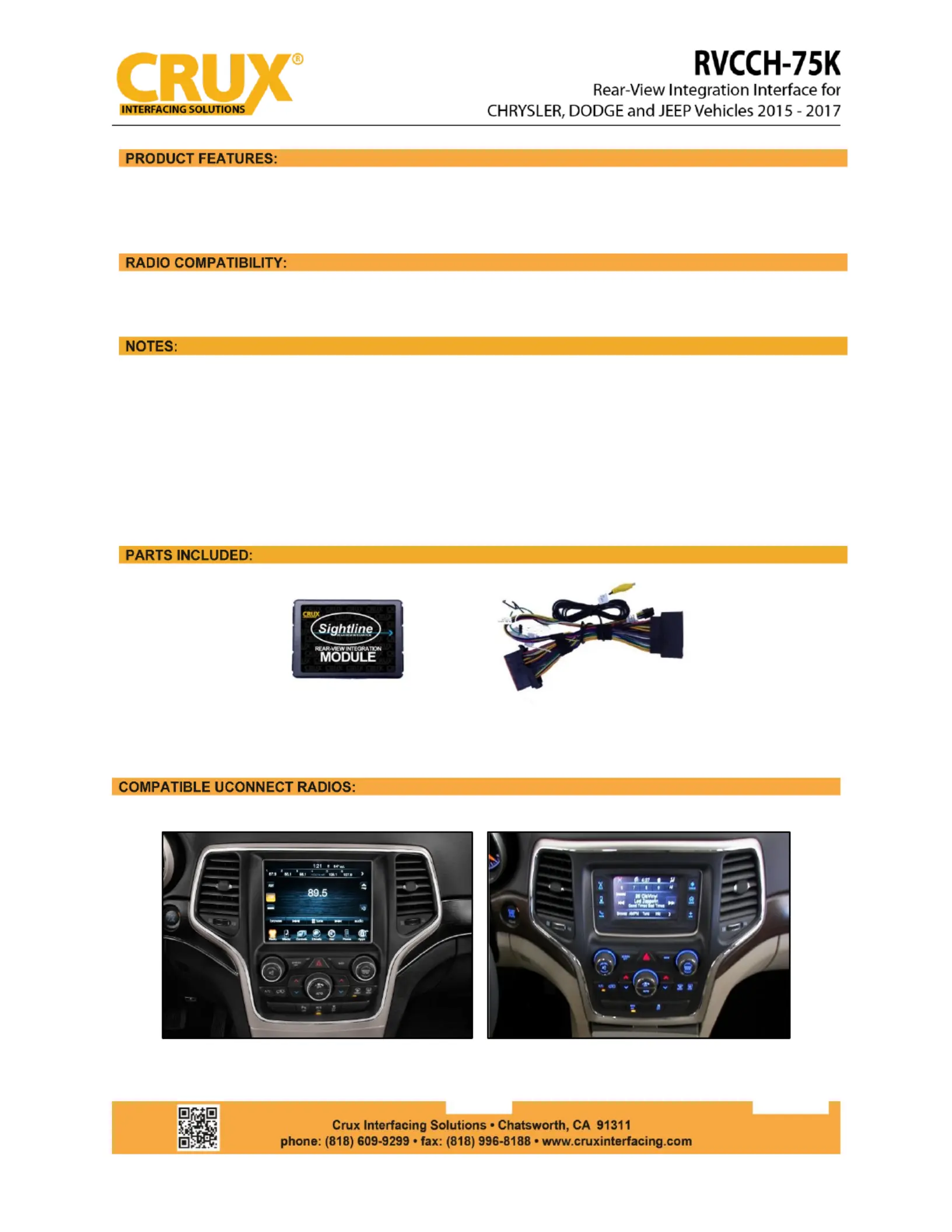
- Plug and Play Connections for ease of use.
- With Force Reverse Camera Feature.
- Uconnect 8.4” and 5” Screen
1.This Interface stores the VIN number upon installation and gets coded to function with the same
vehicle in particular. Once installed, it cannot be reused in any other vehicle.
2.Does not offer Video in Motion.
3.Not compatible on vehicles with heated seats or heated steering wheel.
4.If you see a blue screen after coming from reverse gear, go to SETTINGS/MORE > CLOCK
SETTINGS > SAFETY ASSISTANCE > BACKUP CAMERA > make sure the DELAY CAMERA box is not
checked.
RVC-75K MODULE CH
RVC-75K HARNESS (2665) CH
8.4” Screen (with 3 knobs below the screen)
5” Screen (with 3 knobs below the screen)
rev.050421
1 / 3
Specyfikacje produktu
| Marka: | CRUX |
| Kategoria: | Niesklasyfikowane |
| Model: | RVCCH-75K |
Potrzebujesz pomocy?
Jeśli potrzebujesz pomocy z CRUX RVCCH-75K, zadaj pytanie poniżej, a inni użytkownicy Ci odpowiedzą
Instrukcje Niesklasyfikowane CRUX

3 Stycznia 2025
1 Stycznia 2025
1 Stycznia 2025
1 Stycznia 2025
1 Stycznia 2025
1 Stycznia 2025
1 Stycznia 2025
1 Stycznia 2025
1 Stycznia 2025
1 Stycznia 2025
Instrukcje Niesklasyfikowane
Najnowsze instrukcje dla Niesklasyfikowane
29 Stycznia 2025
29 Stycznia 2025
29 Stycznia 2025
29 Stycznia 2025
29 Stycznia 2025
29 Stycznia 2025
29 Stycznia 2025
29 Stycznia 2025
29 Stycznia 2025
29 Stycznia 2025