Instrukcja obsługi Mikrotik CRS326-24G-2S+IN
Mikrotik nieskategoryzowany CRS326-24G-2S+IN
Przeczytaj poniżej 📖 instrukcję obsługi w języku polskim dla Mikrotik CRS326-24G-2S+IN (4 stron) w kategorii nieskategoryzowany. Ta instrukcja była pomocna dla 35 osób i została oceniona przez 7 użytkowników na średnio 4.6 gwiazdek
Strona 1/4
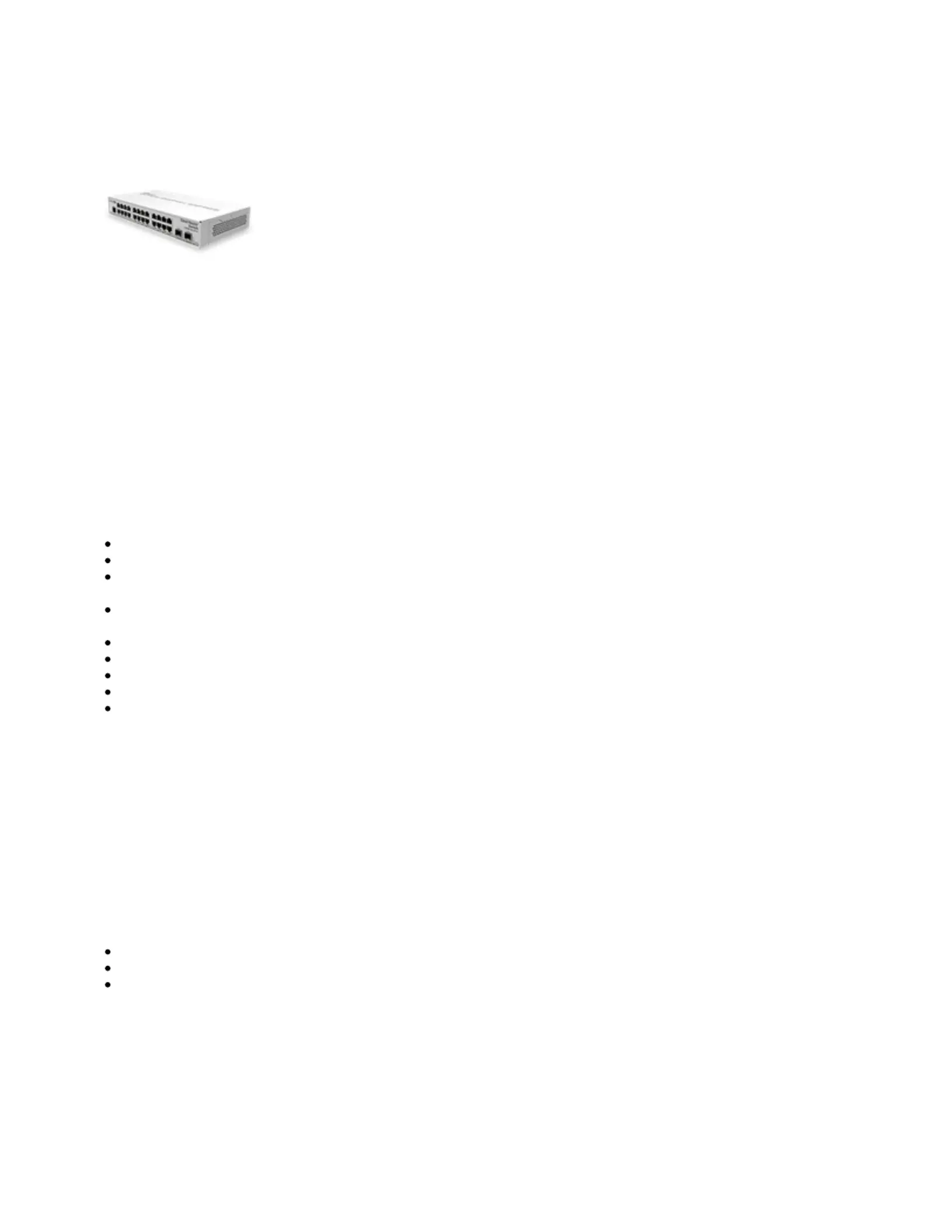
CRS326-24G-2S+IN
CRS326-24G-2S+IN
Safety Warnings
Before you work on any equipment, be aware of the hazards involved with electrical circuitry, and be familiar with standard practices for preventing
accidents.
Ultimate disposal of this product should be handled according to all national laws and regulations.
The Installation of the equipment must comply with local and national electrical codes.
This unit is intended to be installed in the rackmount. Please read the mounting instructions carefully before beginning installation. Failure to use the
correct hardware or to follow the correct procedures could result in a hazardous situation to people and damage to the system.
This product is intended to be installed indoors. Keep this product away from water, fire, humidity or hot environments.
Use only the power supply and accessories approved by the manufacturer, and which can be found in the original packaging of this product.
Read the installation instructions before connecting the system to the power source.
We cannot guarantee that no accidents or damage will occur due to the improper use of the device. Please use this product with care and operate at your
own risk!
In the case of device failure, please disconnect it from power. The fastest way to do so is by unplugging the power plug from the power outlet.
It is the customer's responsibility to follow local country regulations, including operation within legal frequency channels, output power, cabling
requirements, and Dynamic Frequency Selection (DFS) requirements. All Mikrotik devices must be professionally installed.
Quick start
Connect two powering units to the AC source using power cords.
The Initial connection has to be done via the Ethernet cable, using the MikroTik Winbox utility.
Use Winbox to connect to the default IP address of 192.168.88.1 from any port, with the username and no password
admin
(or, for some models,
. If IP is no available choose the Neighbors tab and connect to the device using the MAC check user and wireless passwords on the sticker)
address.
We recommend clicking the "Check for updates" button and updating your RouterOS software to the latest version to ensure the best
performance and stability. The device needs to have an active internet connection.
To upgrade manually go to our download page https://mikrotik.com/download
Choose packaged based on your device model.
Download to your PC.
Upload packages to the Files menu in WinBox and reboot the device.
Set up your password to secure the device.
Mounting
The device is designed to use indoors and it can be placed on the desktop.
The device has no protection from water contamination, please ensure the placement of the device in a dry and ventilated environment.
We recommend Cat6 cables for our devices.
Mounting and configuration of this device should be done by a qualified person.
Extension slots and ports
24 of Gigabit Ethernet ports.
Two 10G SFP+ ports.
1x RJ45 console port (set at 115200bits/s, 8 data bits, 1 stop bit no parity).
Specyfikacje produktu
| Marka: | Mikrotik |
| Kategoria: | nieskategoryzowany |
| Model: | CRS326-24G-2S+IN |
| Kolor produktu: | Biały |
| Wysokość produktu: | 44 mm |
| Szerokość produktu: | 285 mm |
| Głębokość produktu: | 144 mm |
| Certyfikaty: | CE/RED, EAC, ROHS |
| Maksymalne zużycie mocy: | 21 W |
| Wielkość pamięci flash: | 16 MB |
| Pojemność pamięci wewnętrznej: | 512 MB |
| Procesor wbudowany: | Tak |
| Prędkość transferu danych przez Ethernet LAN: | 1000 Mbit/s |
| Obsługa PoE: | Tak |
| Zakres temperatur (eksploatacja): | -40 - 60 °C |
| Ilość jednostek zasilania: | 2 |
| Obsługa sieci VLAN: | Tak |
| Prąd wejściowy: | 1.2 A |
| Możliwości montowania w stelażu: | Tak |
| Filtrowanie adresów MAC: | Tak |
| Typ przełącznika: | Zarządzany |
| Podstawowe przełączanie RJ-45 Liczba portów Ethernet: | 24 |
| Podstawowe przełączania Ethernet RJ-45 porty typ: | Gigabit Ethernet (10/100/1000) |
| Obsługa 10G: | Tak |
| Wielkość tabeli adresów: | - wejścia |
| Przepustowość rutowania/przełączania: | - Gbit/s |
| przekierowywanie IP: | Tak |
| Zasilacz dołączony: | Tak |
| Obsługiwany typ Power over Ethernet (PoE): | Passive PoE |
| Napięcie wejściowe DC: | 10 - 30 V |
| Power over Ethernet: | 30 V |
| Dublowanie portów: | Tak |
| Typ pamięci: | DDR3-SDRAM |
| Limit częstotliwości: | Tak |
| Ilość slotów Modułu SFP: | 2 |
Potrzebujesz pomocy?
Jeśli potrzebujesz pomocy z Mikrotik CRS326-24G-2S+IN, zadaj pytanie poniżej, a inni użytkownicy Ci odpowiedzą
Instrukcje nieskategoryzowany Mikrotik

14 Czerwca 2024
14 Czerwca 2024
14 Czerwca 2024
14 Czerwca 2024
14 Czerwca 2024
14 Czerwca 2024
14 Czerwca 2024
14 Czerwca 2024
14 Czerwca 2024
14 Czerwca 2024
Instrukcje nieskategoryzowany
Najnowsze instrukcje dla nieskategoryzowany
28 Października 2024
28 Października 2024
27 Października 2024
27 Października 2024
27 Października 2024
27 Października 2024
27 Października 2024
27 Października 2024
27 Października 2024
27 Października 2024