Instrukcja obsługi Mikrotik hAP ax³
Mikrotik Niesklasyfikowane hAP ax³
Przeczytaj poniżej 📖 instrukcję obsługi w języku polskim dla Mikrotik hAP ax³ (26 stron) w kategorii Niesklasyfikowane. Ta instrukcja była pomocna dla 46 osób i została oceniona przez 2 użytkowników na średnio 4.3 gwiazdek
Strona 1/26
EN - English -Quick Guide:
This "hAP ax³" series Quick Guide covers models: C53UiG+5HPaxD2HPaxD (hAP ax³).
This is a wireless network device. You can find the product model name on the case label (ID).
Please visit the user manual page on for the full up-to-date user manual. Or scan the QR code with your mobile phone.https://mt.lv/um
The most relevant technical specifications for this product can be found on the last page of this Quick Guide.
Technical specifications, brochures, and more info about products at https://mikrotik.com/products
Configuration manual for software in your language with additional information can be found athttps://mt.lv/help
If you need help with configuration, please seek a consultanthttps://mikrotik.com/consultants
First steps:
Please attach provided antennas to the device, before connecting to the power
source;
Make sure your Internet service provider is allowing hardware change and will issue
an automatic IP address;
Connect the service provider cable to the Internet port and connect the device to the
power source;
Open network connections on your computer and search for MikroTik wireless
network - connect to it;
The configuration can be done through the wireless network using a web browser or
mobile app. Alternatively, you can use a WinBox configuration tool ;https://mt.lv/winbox
Openin your web browser to start configuration, user name: ahttp://192.168.88.1
dmin
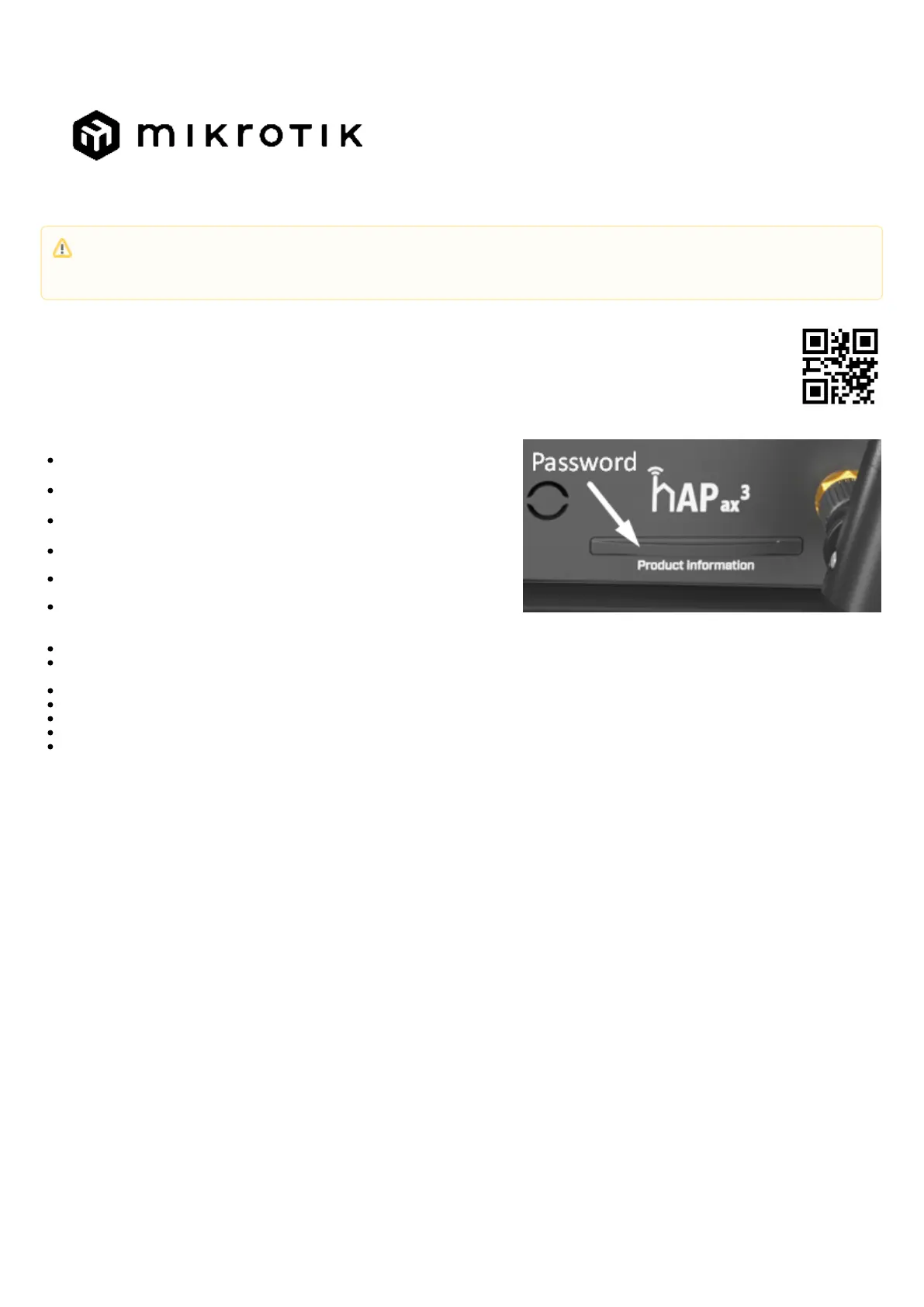
and there is no password by default (or, for some models, check user and wireless
passwords on the sticker);
Click the "Check for updates" button and update RouterOS to the latest version;
For a manual update of the device, visit the products page atto find your product. The required packages are accessible under https://mikrotik.com/products
themenu;
"Support&Downloads"
Upload downloaded packages to themenu and reboot the device;
WebFigor
Winbox
"Files"
By upgrading your RouterOS software to the latest version, you can ensure optimal performance, stability, and security updates;
In themenu set up the following: Choose your country, to apply country regulation settings;
"QuickSet"
Set up your wireless network password in the left field;
Set up your router password in the bottom field.
This device needs to be upgraded to RouterOS v7.7 or the latest stable version, to ensure compliance with local authority regulations!
It is the end users' responsibility to follow local country regulations, including operation within legal frequency channels, output power, cabling
requirements, and Dynamic Frequency Selection (DFS) requirements. All MikroTik radio devices must be installed according to instructions.
Specyfikacje produktu
| Marka: | Mikrotik |
| Kategoria: | Niesklasyfikowane |
| Model: | hAP ax³ |
Potrzebujesz pomocy?
Jeśli potrzebujesz pomocy z Mikrotik hAP ax³, zadaj pytanie poniżej, a inni użytkownicy Ci odpowiedzą
Instrukcje Niesklasyfikowane Mikrotik

3 Stycznia 2025
7 Października 2024
3 Października 2024
29 Września 2024
27 Września 2024
26 Września 2024
26 Września 2024
26 Września 2024
26 Września 2024
26 Września 2024
Instrukcje Niesklasyfikowane
Najnowsze instrukcje dla Niesklasyfikowane
29 Stycznia 2025
29 Stycznia 2025
29 Stycznia 2025
29 Stycznia 2025
29 Stycznia 2025
29 Stycznia 2025
29 Stycznia 2025
29 Stycznia 2025
29 Stycznia 2025
29 Stycznia 2025