Instrukcja obsługi Cherry MultiBoard G81-7040
Cherry Niesklasyfikowane MultiBoard G81-7040
Przeczytaj poniżej 📖 instrukcję obsługi w języku polskim dla Cherry MultiBoard G81-7040 (4 stron) w kategorii Niesklasyfikowane. Ta instrukcja była pomocna dla 20 osób i została oceniona przez 5 użytkowników na średnio 4.6 gwiazdek
Strona 1/4
1
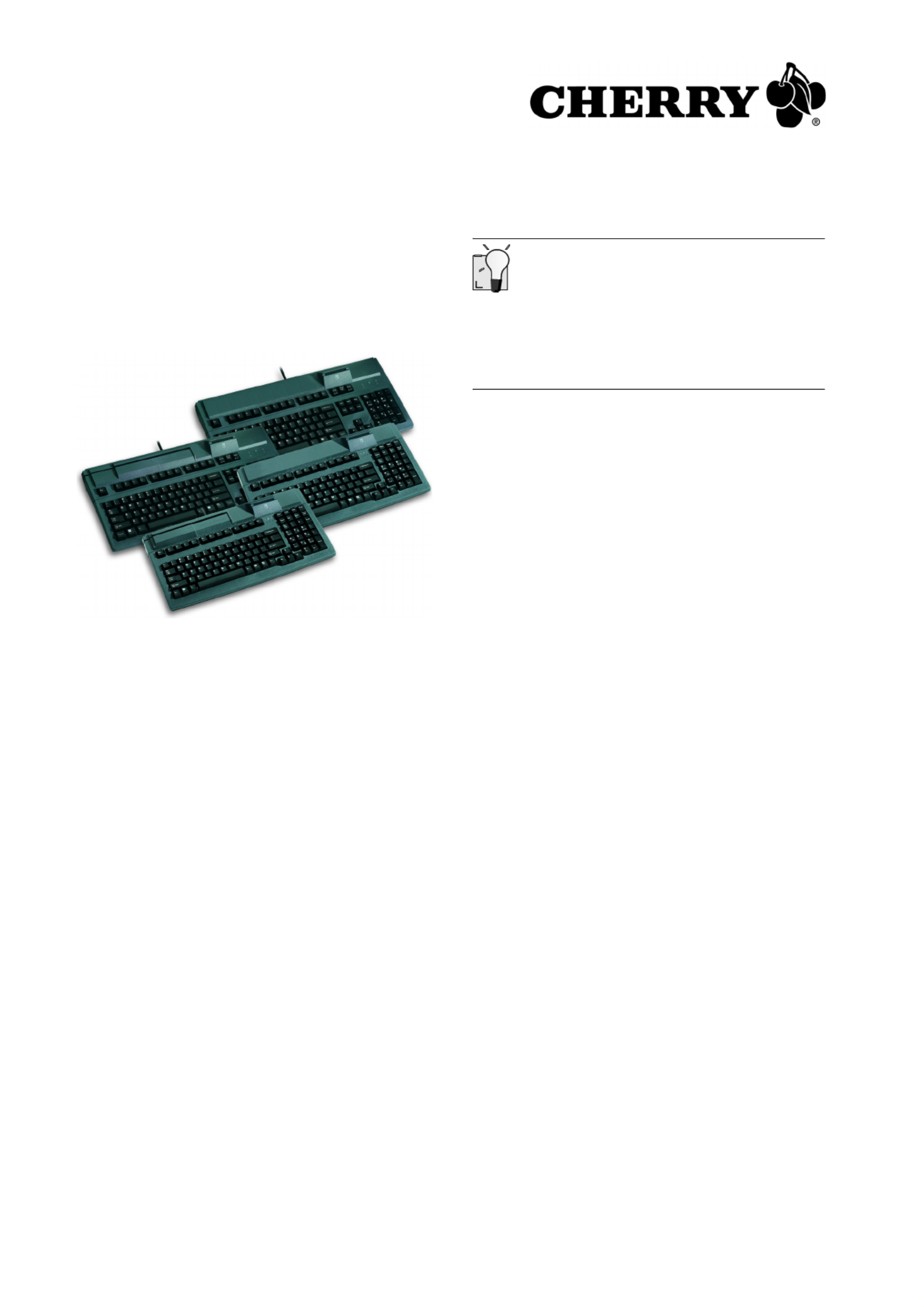
MultiBoard
G81-7040/-8040/-7043/-8043
1Advantages of the keyboards
•Cherry FTSC key technology
•Robust and reliable
•Programmable keys
•Magnetic card reader (G81-7040/-8040 only)
•EMV 2000-approved PC/SC chip card reader
•OPOS and JavaPOS support
•Client/server support
•Cherry Tools software for programming and
configuration
1.1Status indicators
The left and center LEDs show the status of the
locked-key function of the Num and Caps keys.
The right LED illuminates green when the chip card
reader is ready for operation. It flickers red while
data is being sent from/to the chip card reader.
2Connection of the keyboard
¾Insert the USB plug into any USB port on your
PC.
3Installation of the software
Current software on the Internet
The software is continually updated. The current
version can be obtained on the Internet at:
http://support.cherry.de
1Place the CD in your CD-ROM drive.
The CD-ROM starts automatically.
2If the CD-ROM does not start automatically,
double-click the CD-ROM drive in Windows
Explorer and then the Start.exe file.
3Follow the installation instructions on the screen.
3.1 Cherry Tools
The following functions are supported:
•Programming of keys
•Configuration of the keyboard
•Activation and configuration of the magnetic
card reader
3.2 Cherry Tools Runtime
Distributes existing configurations to other systems
(e.g. keyboard and magnetic card settings.) No
additional applications are installed beside the
drivers required for operation.
¾Read the installation instructions on the
accompanying CD-ROM.
3.3 Cherry OPOS/JavaPOS support
If you use applications which access the keyboard
or magnetic card reader via OPOS or JavaPOS:
Windows operating system
¾Install the Cherry OPOS Support or Cherry
JPOS Support software.
Linux operating system
¾Use the installation scripts for JavaPOS support
on the CD-ROM in the
Software\JavaPOS\Linux directory.
Operating Instructions
644-0426.00 US Okt 2005
Specyfikacje produktu
| Marka: | Cherry |
| Kategoria: | Niesklasyfikowane |
| Model: | MultiBoard G81-7040 |
Potrzebujesz pomocy?
Jeśli potrzebujesz pomocy z Cherry MultiBoard G81-7040, zadaj pytanie poniżej, a inni użytkownicy Ci odpowiedzą
Instrukcje Niesklasyfikowane Cherry

28 Grudnia 2024
20 Grudnia 2024
22 Września 2024
22 Września 2024
22 Września 2024
21 Września 2024
21 Września 2024
20 Września 2024
20 Września 2024
19 Września 2024
Instrukcje Niesklasyfikowane
Najnowsze instrukcje dla Niesklasyfikowane
29 Stycznia 2025
29 Stycznia 2025
29 Stycznia 2025
29 Stycznia 2025
29 Stycznia 2025
29 Stycznia 2025
29 Stycznia 2025
29 Stycznia 2025
29 Stycznia 2025
29 Stycznia 2025